OBS Studio Setup & Rebuilds
Build a clean OBS setup from scratch or repair a project that has become unstable, cluttered, or misconfigured.
- Scene and source structure
- Streaming and recording setup
- Basic overlays and layout organization
Remote OBS setup, repair, troubleshooting, and plugin help for streamers, podcasters, gamers, and creators. If your scenes are messy, your audio is off, or your setup is unstable, this is where it gets fixed fast.
Setup help • Repair work • Plugin troubleshooting • Workflow cleanup
These examples show the kind of practical OBS work this service is built around: cleaner workflows, cleaner audio, cleaner scenes, and fewer technical headaches.
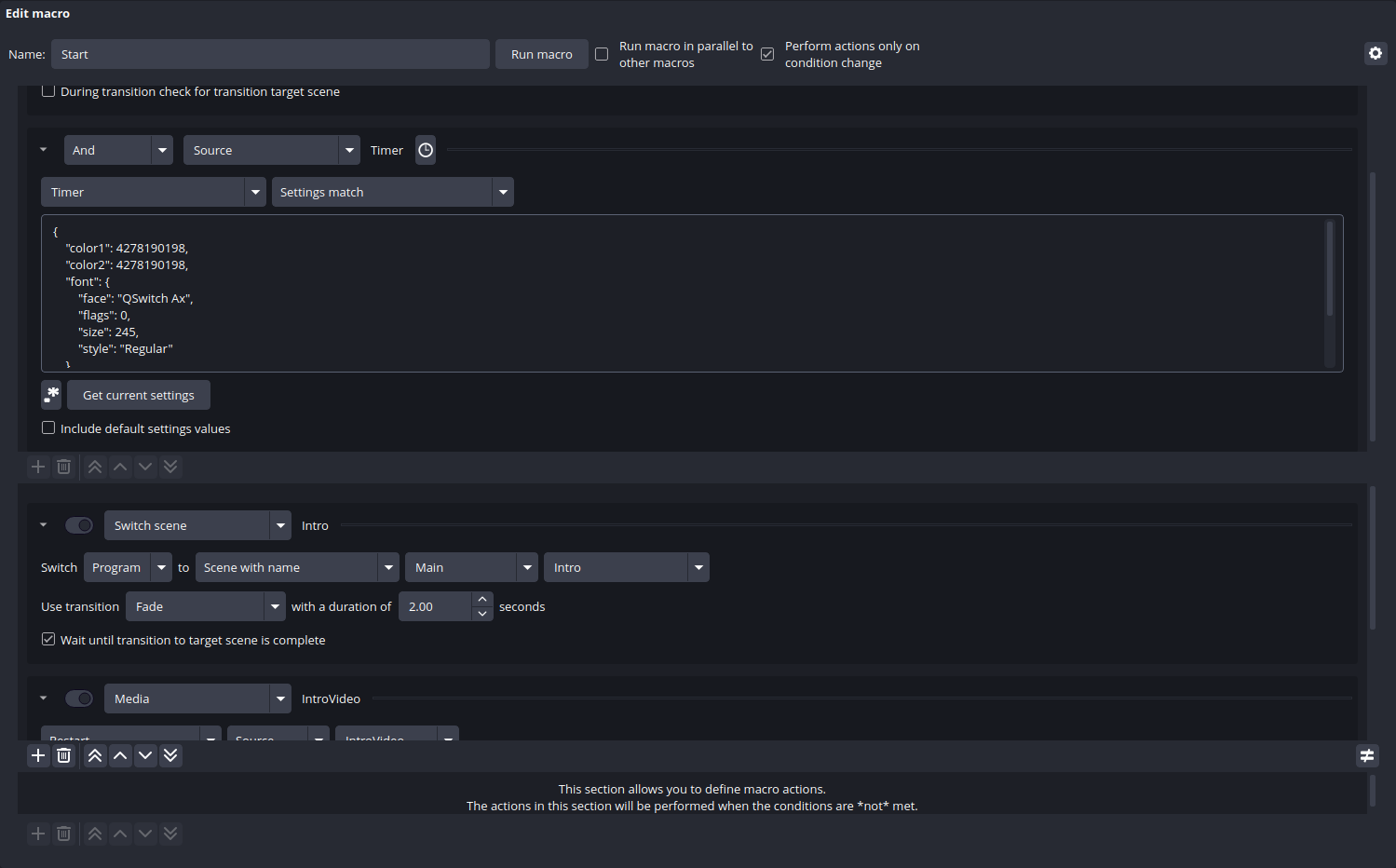
Advanced Scene Switcher logic, macros, timed transitions, and automated scene behavior that reduce manual mistakes and keep streams moving.
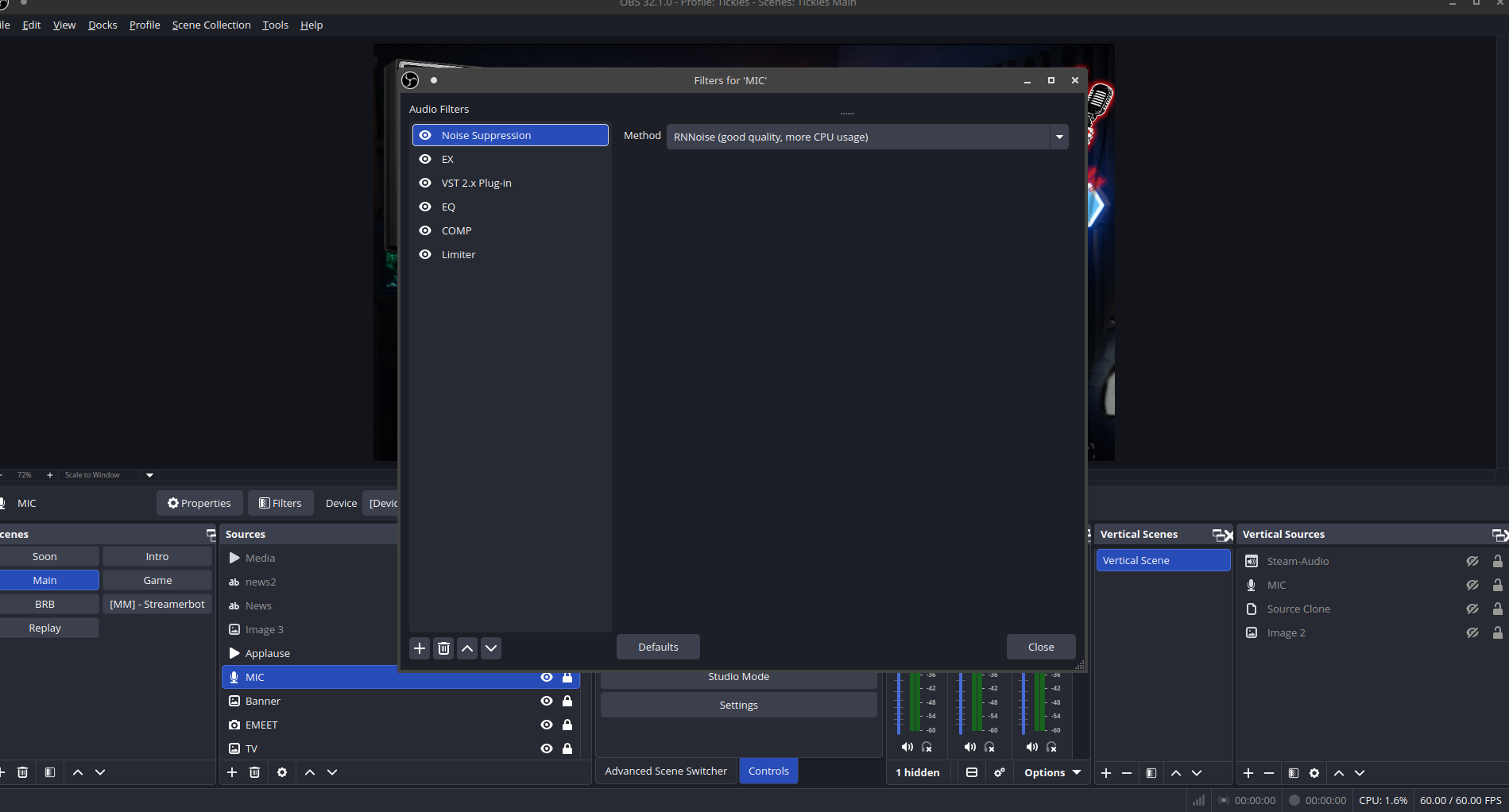
Compression, EQ, limiter, suppression, and routing fixes so your mic sounds clearer, more controlled, and more professional on stream and in recordings.
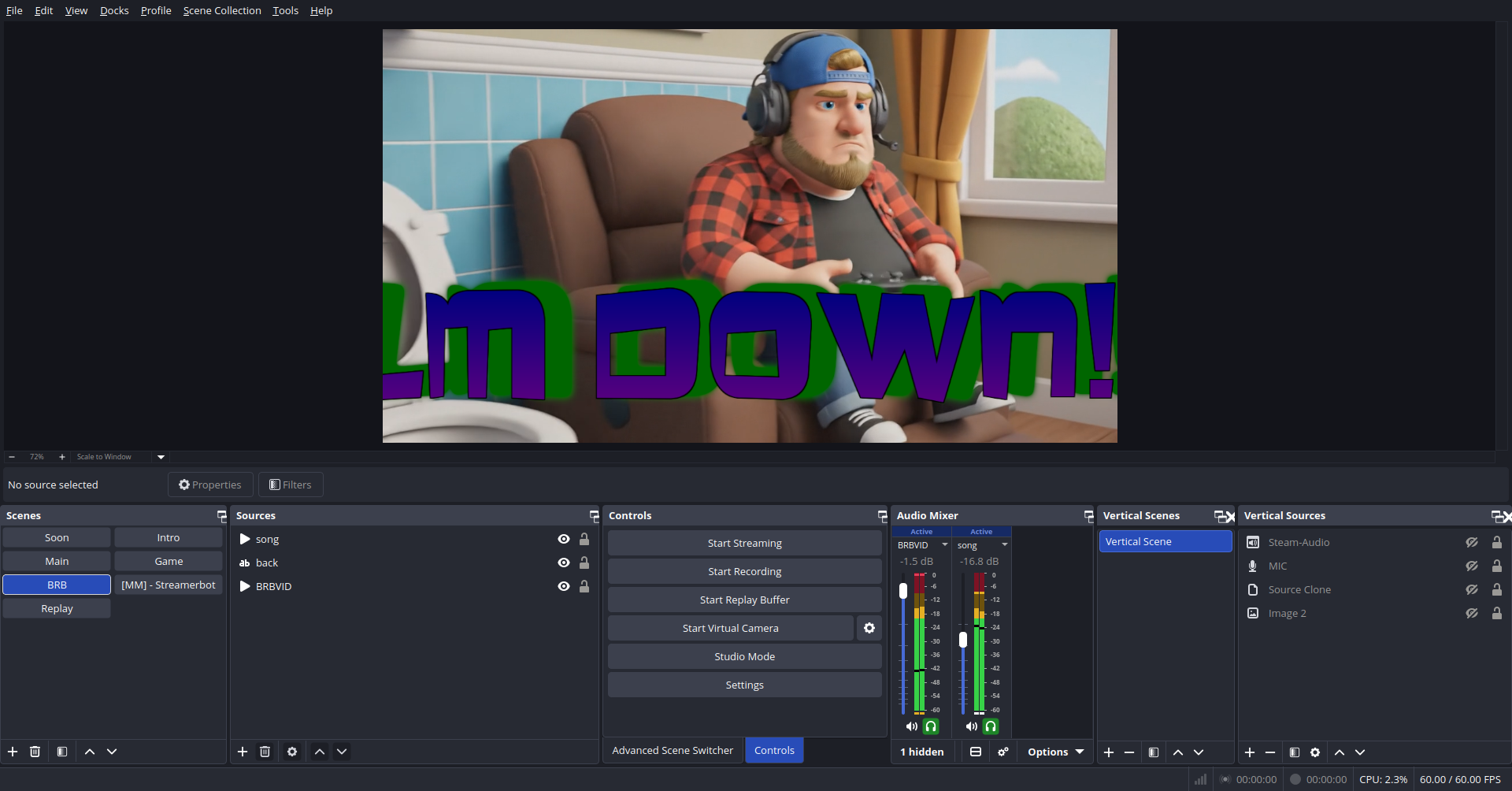
Gameplay, BRB, intro, and support scenes built with a cleaner structure so you can manage your content without hunting through cluttered sources.
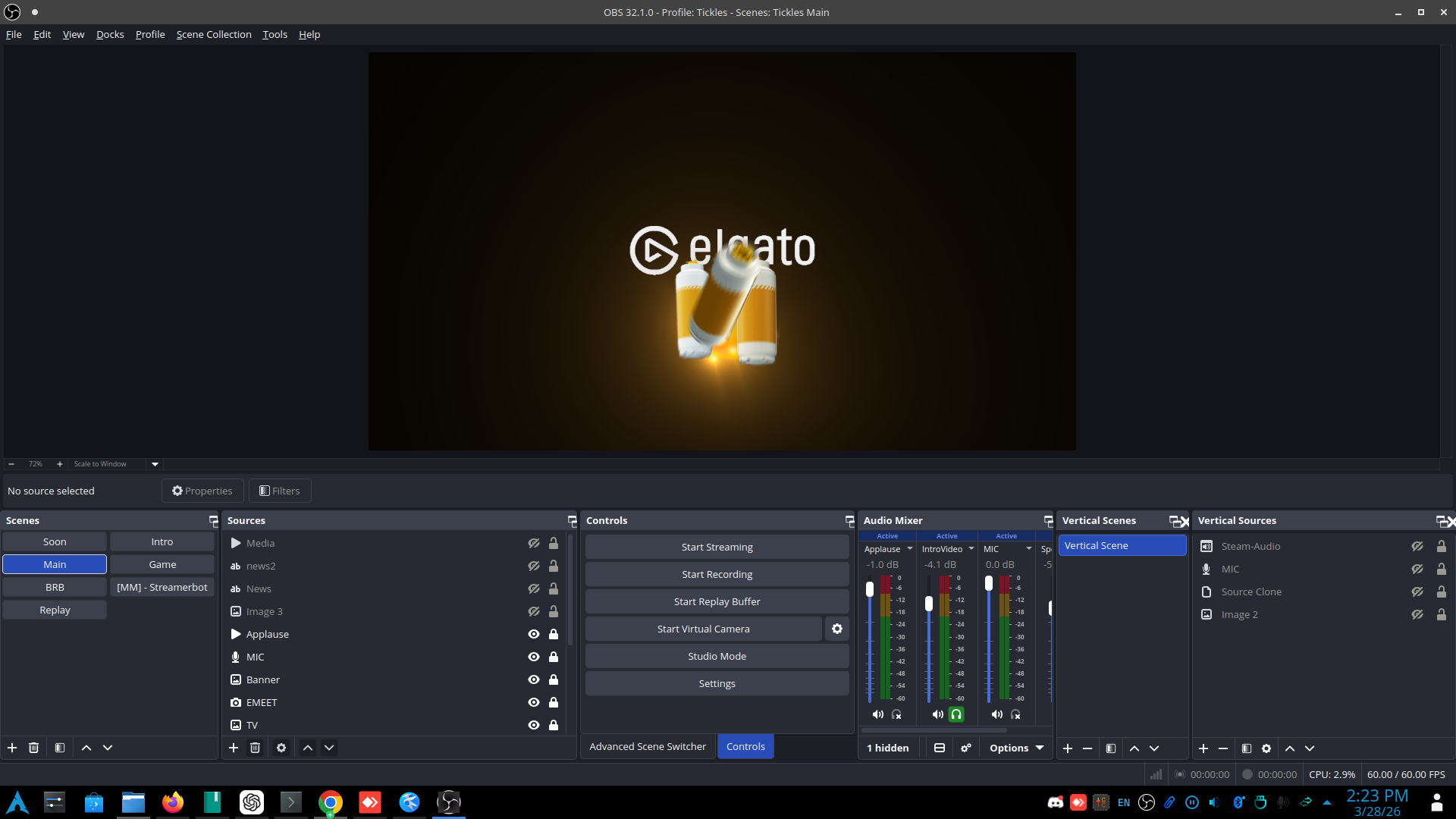
Stinger transitions, cleaner visual handoffs, and smoother scene changes that make the stream feel more intentional and less patched together.
Choose the type of OBS help you need. These services are built to solve real setup, audio, plugin, and workflow problems without wasted time or vague consulting.
Build a clean OBS setup from scratch or repair a project that has become unstable, cluttered, or misconfigured.
Fix performance, encoding, device, sync, or routing issues that keep streams and recordings from working properly.
Install and configure useful OBS-related tools and streamline your production flow for live content creation.
The process is simple: identify the issue, choose the fastest working path, and fix the setup so it is stable, usable, and easier to manage long term.
Describe the issue, the goal, or the type of stream setup you want. This can be a broken system, a partial setup, or a full build request.
Your setup gets broken into clear technical steps so the work stays focused on outcomes instead of random trial and error.
Settings, devices, scenes, and workflows get tuned and checked so the final result is stable and usable for real production.
These are baseline service tiers you can refine later. They are structured to make the offer easy to understand and easy to buy.
Best for one focused technical problem that needs a direct solution.
Best for creators who need a working OBS setup that is clean, usable, and properly configured.
Best for larger cleanups, rebuilds, or creators who need multiple problem areas addressed together.
This service is built for real OBS problems, not generic advice. If your setup feels messy, unstable, confusing, or harder to manage than it should be, this is where the cleanup starts.
Broken scenes, cluttered sources, bad organization, and setups that have been patched together over time instead of built cleanly from the start.
Scene cleanup & rebuildsWeak mic sound, audio routing confusion, sync problems, plugin conflicts, and settings that are hurting recordings or live stream quality.
Audio, sync, and plugin fixesCreator workflows that waste time: awkward switching, unstable output settings, confusing layouts, and production steps that should be easier than they are.
Workflow & performance cleanupCommon questions about the service, who it is for, and the kinds of OBS problems it can solve.
Setup problems, scene structure, recording and stream settings, audio cleanup, sync issues, source problems, plugin setup, and general workflow fixes.
Both. The offer is especially strong for beginners and intermediate creators who need real technical help without wasting time.
No. Quick fixes, cleanup work, and focused troubleshooting are all valid service requests.
Yes. This page is structured so you can later add testimonials, booking integrations, portfolio examples, training docs, and more detailed packages.
Start with a clear request and use the Fiverr booking link below to begin support.
Ready to get your OBS setup fixed, rebuilt, or optimized? Use the Fiverr booking link below to send your request and describe the issue clearly.
This service is a strong fit for streamers, podcasters, creators, and technical beginners who want OBS help that is direct, practical, and results-focused.
Good use cases:
Broken stream setup, messy scenes, plugin confusion, audio routing problems, unstable settings, capture issues, or a full OBS rebuild.
Next upgrade options:
Add testimonials, booking automation, payment buttons, a client intake workflow, and proof-of-work screenshots or case studies.